Computer in a calculator
THIS IS FOR EDUCATIONAL PURPOSES ONLY, I AM NOT RESPONSIBLE FOR ANY DAMAGE OR LOSS TO YOUR DEVICEHow it started:
I was casually browsing a second hand store in my area when I came across a TI CX CAS for really cheap, I knew that there was a decently big community around these calculators and I knew that the price was really cheap. The problem though is that the calculator had a dead inflated battery so I had to buy a new one but that was cheap as well.
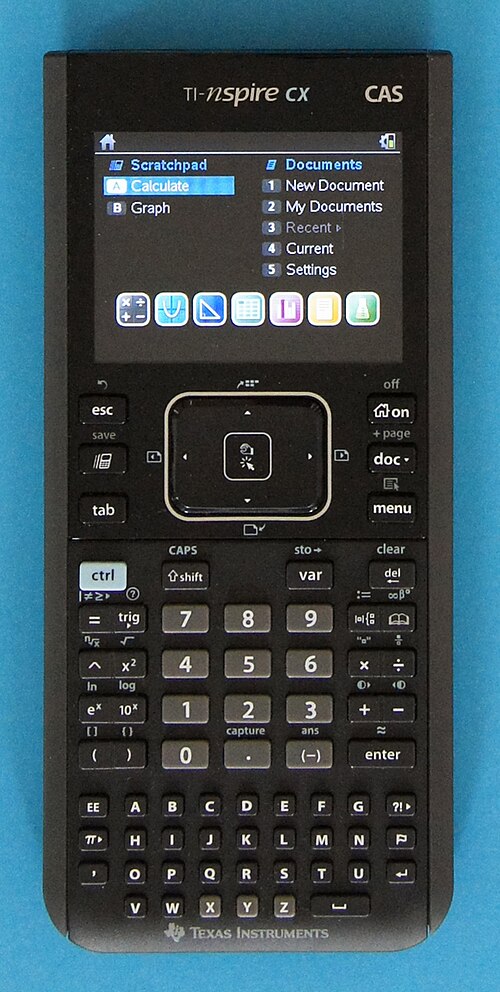
Reason for even buying: Specs.
This graphing calculator has really impressive specs even for its time (2011).
- 320x240 16-bit color display
- 136MHz (overclockable to 300+MHz) ARM CPU
- 64MB SDRAM
- 128 MB of flash storage
- USB port for connectivity
- Huge keyboard
- Mine has 1300mAh while the original only had 1100mAh
What I did with it:
After the new battery fully charged I was looking into how to flash it with custom firmware. I found out that there is a project called "ndless" ndless.me This project allows you to run your own code in the calculator file format. Meaning you have circa 105MB of storage to do whatever you please.
Updating before flashing:
Since my calculator was running a way too old version of the firmware, I needed to update it. I was running a 3.0.2+ software version. The minimum required for ndless is 3.1.0.392. This was a real problem since I didn't know how to update the software and it's an EOL device out of these TI-nspires graphing calculators.
After some research I found out that the only way to update the software is by using a Windows computer and the TI-nspire software. Good thing I'm triple booting different OS on my desktop! LOL. Here I downloaded the rom from: OS from tiplanet (.tcc extension is for CX CAS) and had to install the old version of the TI-Nspire software for it to work: Student software from tiplanet.
This is me successfully updating the calculator to the new version: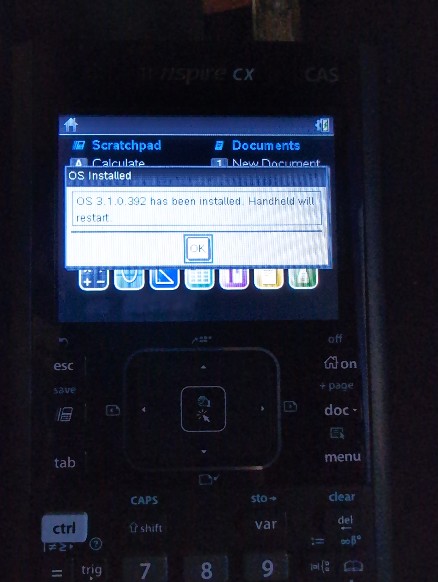
Guide:
This is the guide I followed to flash the ndless firmware on my calculator, it is really well written and easy to follow: Guide from tiplanet!
This is me successfully flashing the ndless firmware on my calculator: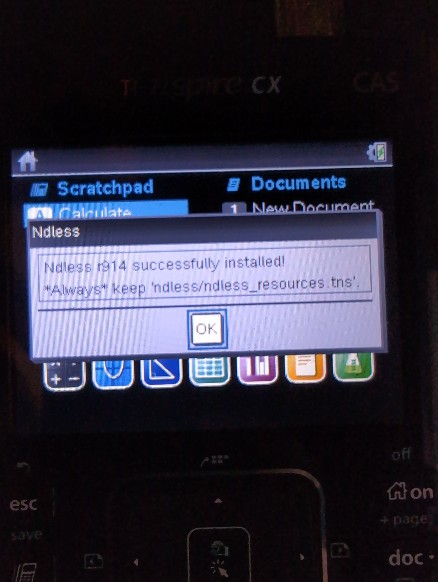
Games:
After following the guide and flashing the firmware, I was able to run some games: Doom
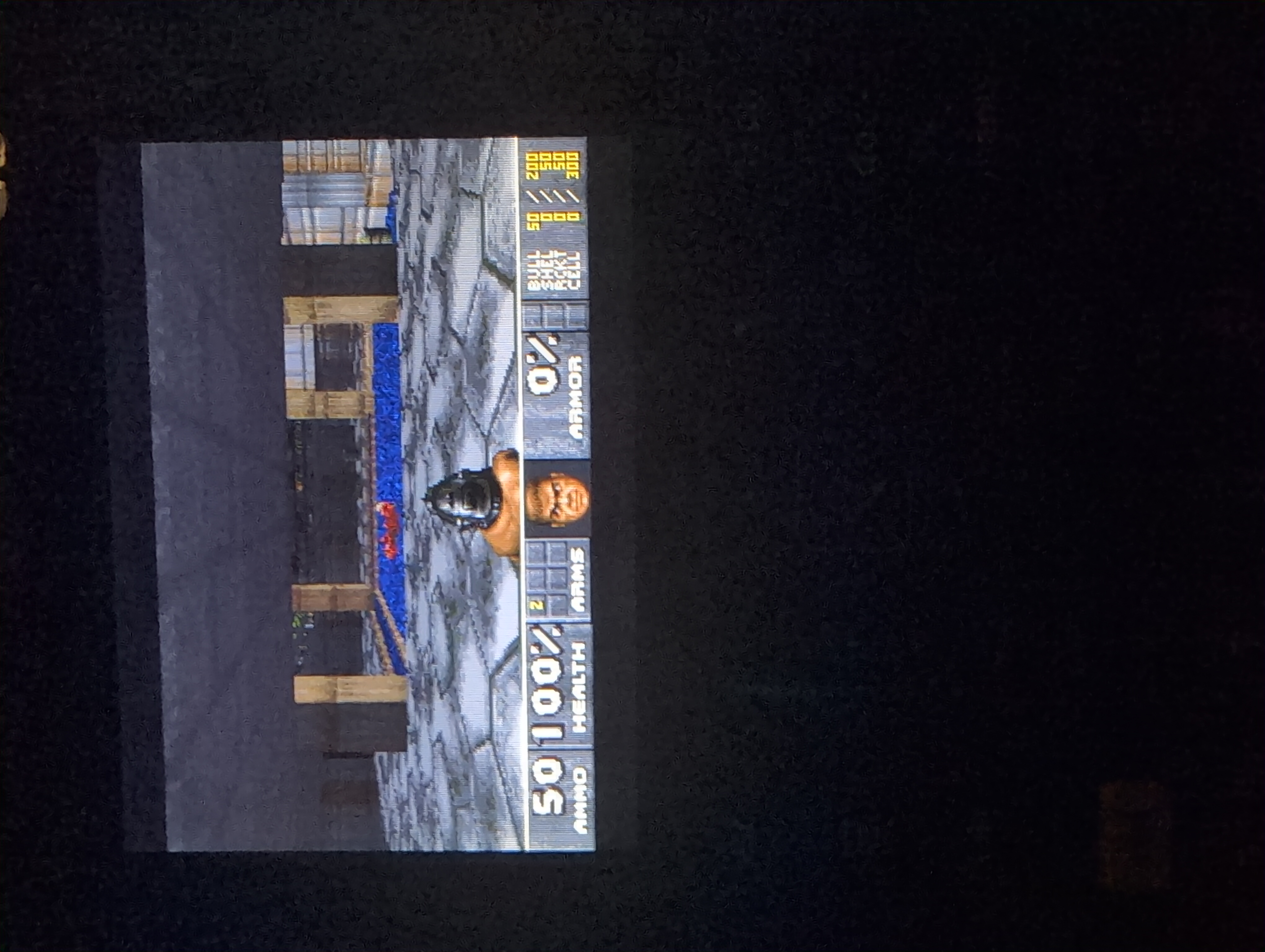
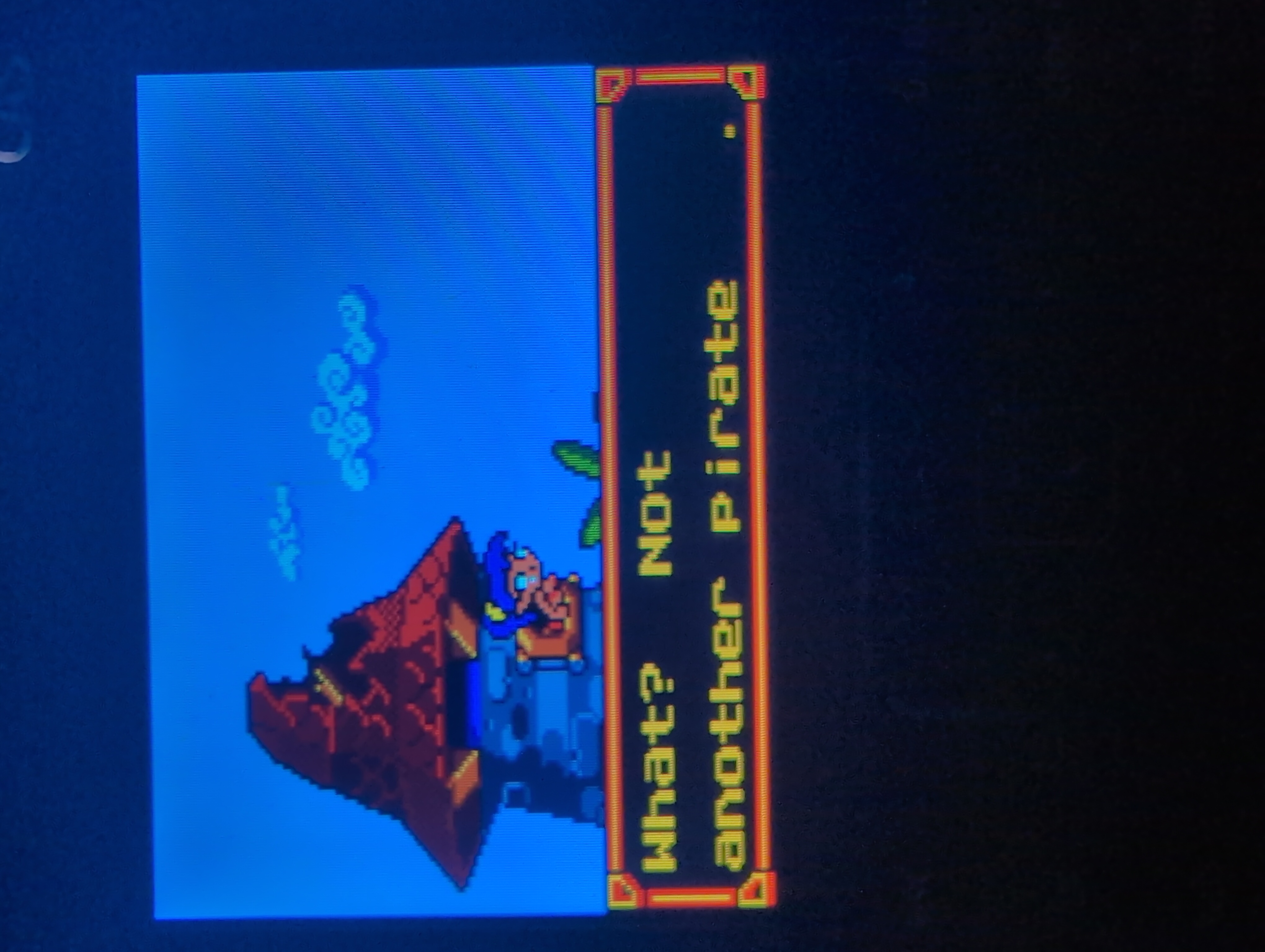
And even a Game Boy Color emulator: Shantae
Conclusion:
Overall, I had a lot of fun with this project and I learned a lot about how these calculators work and how to flash custom firmware on them. I also had a lot of fun playing some games on a device that was not meant for gaming!